
What Does the Circle Arrow Mean on Snapchat Story?
If you’ve recently noticed a circle arrow icon on a Snapchat Story, you’re probably wondering what it means. Snapchat uses many small icons to communicate different actions, and some of them can be confusing, especially after recent app updates.
The circle arrow is one of those symbols that many users see but don’t fully understand. Fortunately, it’s not an error or warning. Instead, it tells you something about how a Story was shared or reposted.
In this guide, you’ll learn exactly what the circle arrow means on Snapchat Stories, when it appears, how it works, and whether it affects your privacy.
What Does the Circle Arrow Mean on Snapchat Story?
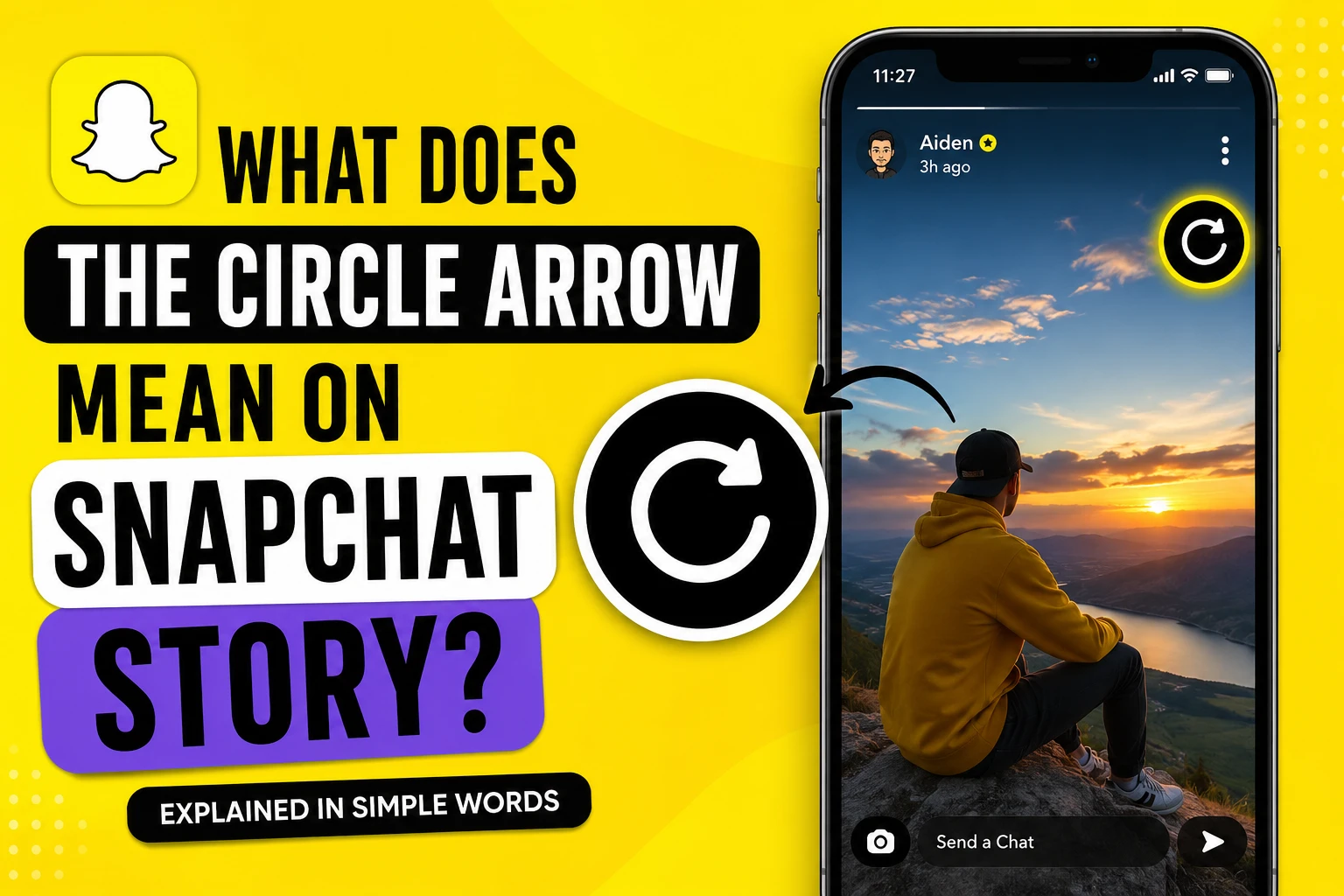
The circle arrow on a Snapchat Story usually means that the Story has been reposted or reshared.
In simple terms, the original Story has been shared again, allowing more people to view it through another user’s Story or profile.
The icon helps users understand that they are not viewing the original upload directly but a shared version.
Snapchat introduced this visual indicator to make Story interactions more transparent and easier to understand.
Why Does the Circle Arrow Appear?
You may notice the icon in different situations.
Someone Shared a Public Story
If a creator or public account allows Story sharing, another user can repost that Story.
The circle arrow lets viewers know they are seeing shared content rather than the original post.
Public Profile Content
Many Snapchat creators use Public Profiles.
When their Stories are shared by followers or featured in recommendations, Snapchat displays the circle arrow to indicate the repost.
Spotlight and Public Content
Sometimes public Spotlight content or featured Stories may also include similar sharing indicators depending on how the content reached your feed.
Does the Circle Arrow Mean Someone Rewatched Your Story?
No.
This is one of the biggest misconceptions.
The circle arrow does not mean someone replayed or rewatched your Story.
Snapchat does not currently show exactly who replayed your Story.
Instead, the icon is related to Story sharing or reposting, not repeat views.
Is It Different from the Replay Feature?
Yes.
Many users confuse replay with reposting.
Replay
Replay allows someone to watch a Snap one more time after opening it.
This applies to individual Snaps, not public Stories.
Circle Arrow
The circle arrow represents a Story that has been shared or reposted.
It has nothing to do with replaying your content.
These are completely different Snapchat features.
Can Private Stories Show the Circle Arrow?
Generally, no.
Private Stories are only visible to selected friends.
Since they cannot be publicly reshared, you usually won’t see the circle arrow on Private Stories.
The icon is mainly associated with public content and shared Stories.
What Happens When Someone Reposts Your Story?
If your Story is eligible for sharing, other users may repost it.
When this happens:
- More people may discover your content.
- The Story can receive additional views.
- The circle arrow identifies it as shared content.
- Your original Story remains unchanged.
This feature is especially useful for creators, influencers, and businesses.
Can You Turn Off Story Reposts?
Yes, in many cases.
If you have a Public Profile, you can adjust your sharing settings.
Depending on Snapchat’s latest version, you may be able to limit or disable Story sharing.
To check:
- Open Snapchat.
- Go to your Public Profile.
- Open Profile Settings.
- Look for Story sharing options.
- Disable sharing if available.
Keep in mind that available settings may vary by account type and region.
Does the Circle Arrow Affect Privacy?
No.
The icon itself does not expose any private information.
It simply tells viewers that the Story has been shared.
Your privacy settings still determine who can view your Stories.
If your Story is private, only approved friends can see it.
If it’s public, anyone allowed by your settings may view it.
Can You See Who Shared Your Story?
Not always.
Snapchat does not generally provide a complete list of users who repost your Story.
You may notice increased Story views or engagement, but individual sharing information is usually not available.
Circle Arrow vs Other Snapchat Story Icons
Snapchat uses several icons that often confuse users.
Circle Arrow
Indicates a shared or reposted Story.
Eye Icon
Shows the number of Story views.
Screenshot Icon
Indicates someone captured your Snap or Story with a screenshot.
Green Ring
Shows that a friend has posted a Story.
Lock Icon
Represents a Private Story.
Understanding these icons makes it easier to navigate Snapchat without confusion.
Why Did Snapchat Add This Icon?
Snapchat continues to improve transparency across its platform.
As more creators use Public Profiles and shareable content, users need to know whether they are viewing original or reposted Stories.
The circle arrow helps distinguish shared content while keeping the interface simple.
Common Misunderstandings
Many users assume the circle arrow means:
- Someone replayed your Story.
- A Story failed to upload.
- Your Story was refreshed.
- Snapchat is updating.
- Someone viewed your Story twice.
None of these are correct.
The icon primarily relates to Story reposting or sharing.
Tips for Snapchat Creators
If you have a Public Profile, Story reposts can increase your reach.
To make the most of it:
Post High-Quality Stories
Interesting content is more likely to be shared.
Use Clear Captions
Simple text encourages viewers to engage.
Upload Consistently
Regular posting improves visibility.
Respect Privacy
Only make Stories public if you’re comfortable with wider sharing.
Frequently Asked Questions
Does the circle arrow mean someone replayed my Story?
No. It indicates a shared or reposted Story, not a replay.
Can I remove the circle arrow?
You cannot remove the icon itself, but you may disable Story sharing if your account supports that setting.
Does everyone see the circle arrow?
Only when viewing shared public Story content where Snapchat displays the repost indicator.
Can friends repost private Stories?
No. Private Stories are generally not shareable.
Is the feature available worldwide?
Most recent Snapchat versions support Story sharing indicators, although some features may vary by region and account type.
Final Thoughts
The circle arrow on a Snapchat Story is simply a sharing indicator. It tells viewers that the Story they’re watching has been reposted or shared from its original source. It is not connected to Story replays, double views, screenshots, or account activity.
As Snapchat continues expanding its Public Profile and creator features, you’ll likely see this icon more often. Understanding what it means helps you use the app more confidently and avoids common misconceptions.
If you’re a creator, shared Stories can increase your visibility. If you’re a regular user, the icon simply provides more context about the content you’re viewing.