Snapchat Story Viewer & Downloader
Watch and download public Snapchat stories anonymously. Enter a username or story URL to view stories without logging in or creating an account.
We support search by username and by URL
What Is a Snapchat Story Viewer?
A Snapchat Story Viewer is an online tool that lets you view public Snapchat stories without a Snapchat account — and without leaving your name in the viewer list.
These tools act as a middleman: they fetch the story on your behalf, keeping your identity completely hidden from the story owner.
Stories posted to a public profile are accessible to anyone on the internet. A Snap Story Viewer makes it easy to browse them from any browser or device, without downloading the app.
Only works on public accounts. If a Snapchat profile is set to private (friends only), no third-party tool can access their stories — and any website claiming otherwise is a scam.
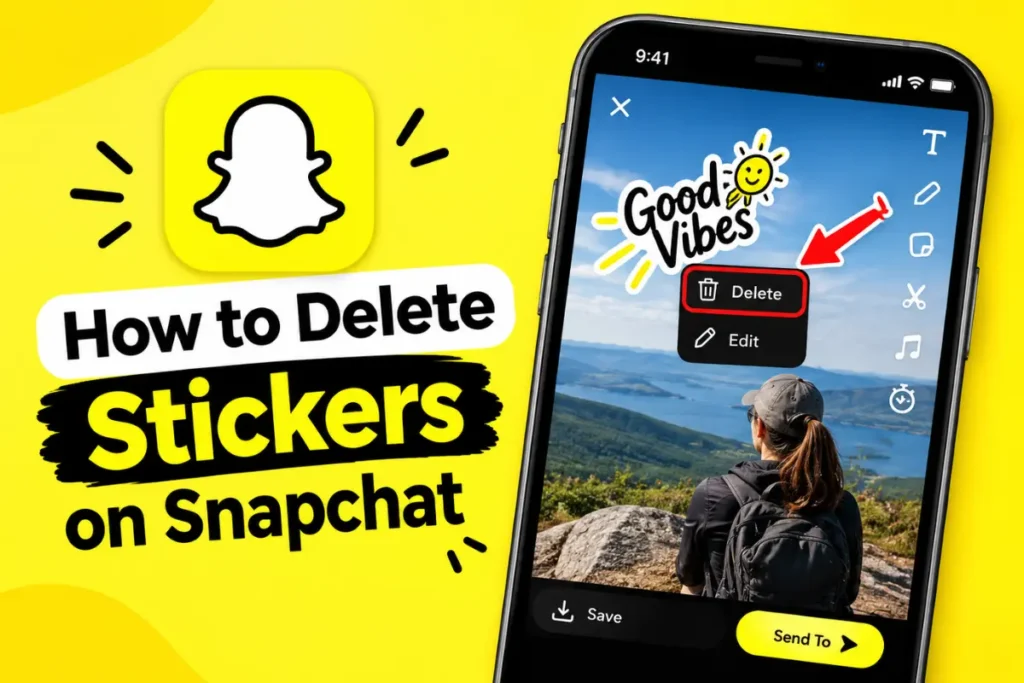
How to Delete Stickers on Snapchat: A Complete Guide
Snapchat stickers make chats and Snaps more fun, but sometimes you add the wrong sticker…
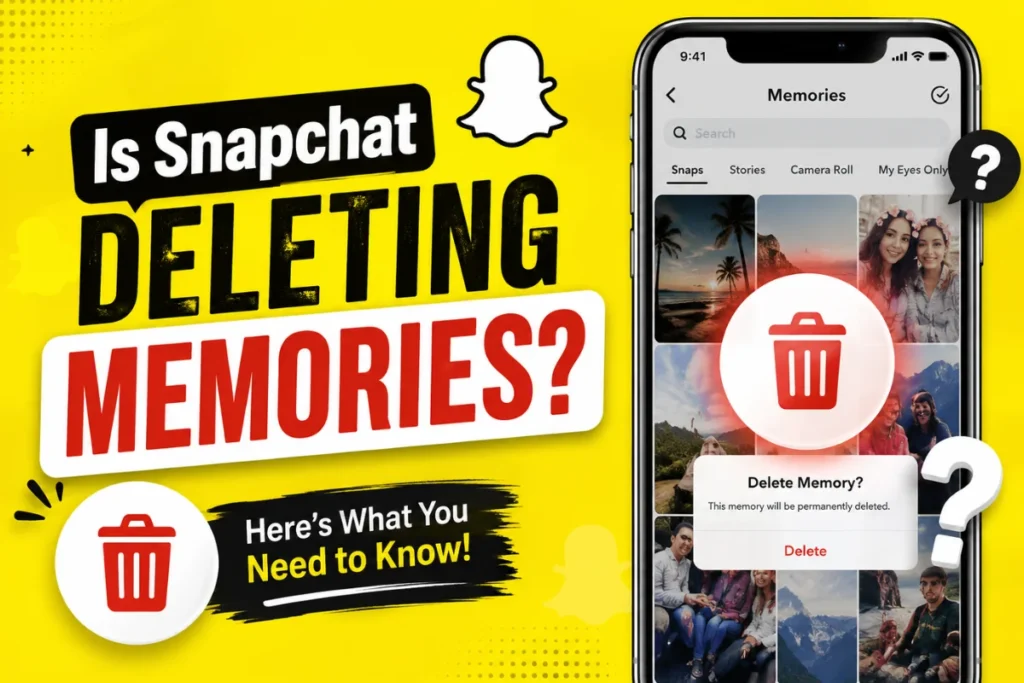
Is Snapchat Deleting Memories? What You Need to Know in 2026
If you have used Snapchat for years, your Memories may contain thousands of photos and…
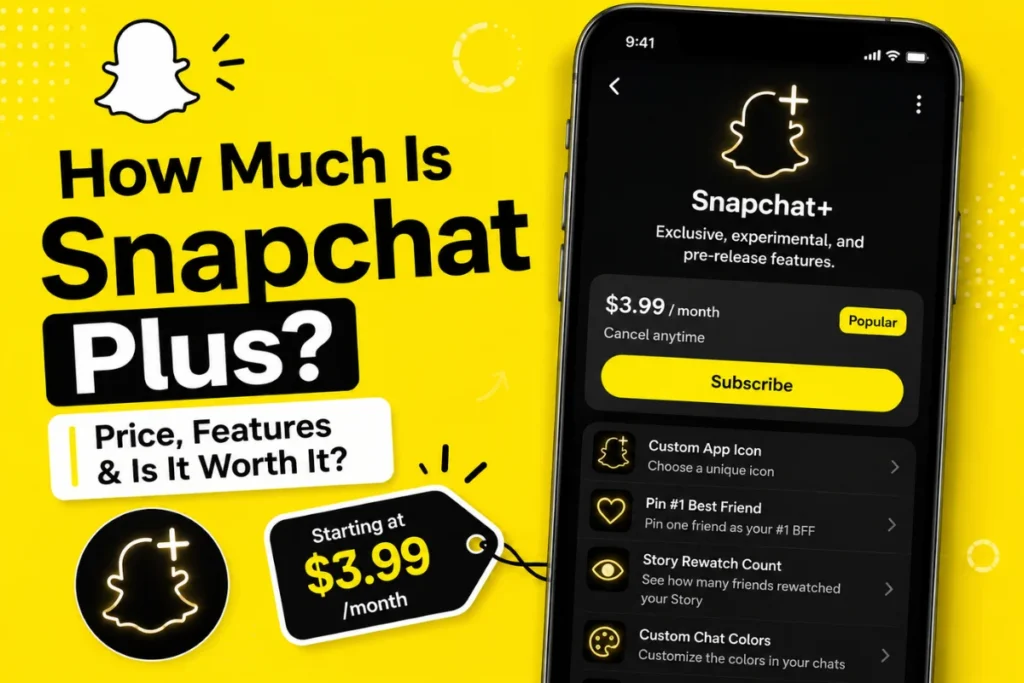
How Much Is Snapchat Plus in 2026? Pricing, Plans, and Features
If you use Snapchat regularly, you may have wondered, “How much is Snapchat Plus?” Snapchat+…
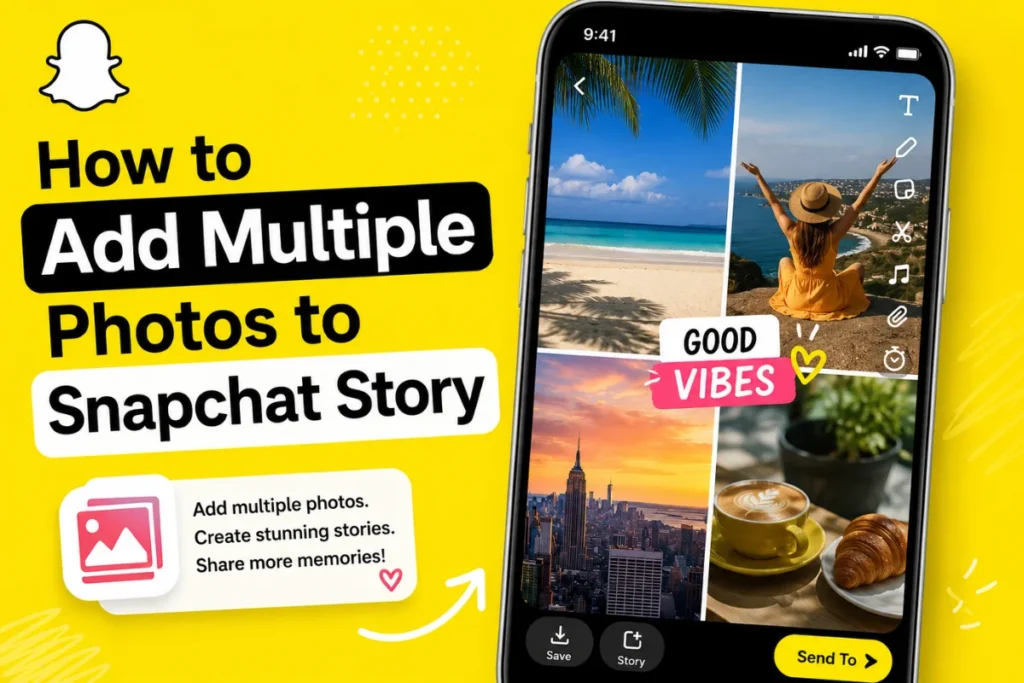
How to Add Multiple Photos to Snapchat Story: Complete Guide 2026
Adding multiple photos to your Snapchat Story is a simple way to share a whole…
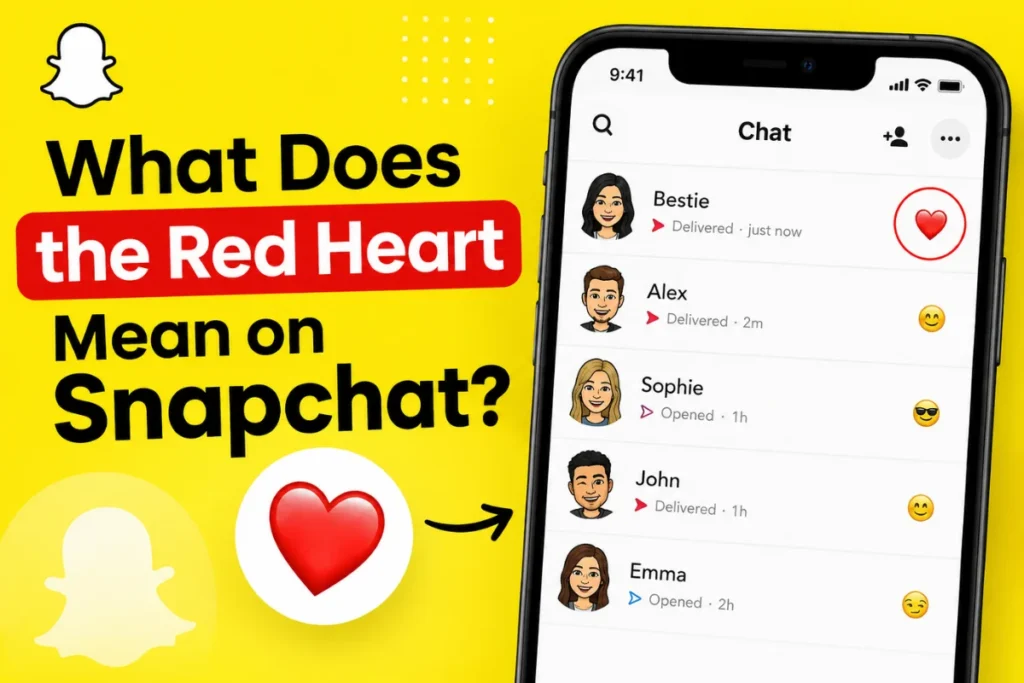
What Does the Red Heart Mean on Snapchat?
If you see a red heart ❤️ next to a friend’s name on Snapchat, it…
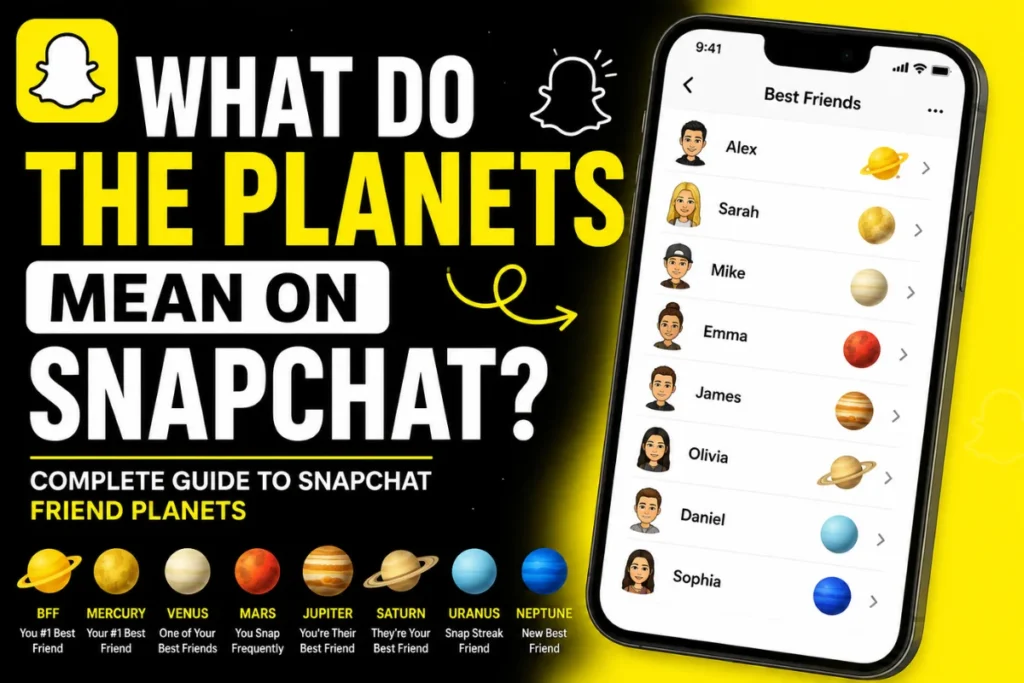
What Do the Planets Mean on Snapchat?
If you use Snapchat+ and have noticed planets appearing next to your friends, you may…
🔒 No Account Required
View stories without a Snapchat login. Your identity is never shared with the platform.
👁️ Anonymous Viewing
Your name will not appear in the story poster’s viewer list when using this tool.
💾 Optional Download
Save photos as JPG and videos as MP4 directly to your device for personal reference.
📱 Works on Any Device
Browser-based — iPhone, Android, tablet, laptop, or desktop. No installation needed.
How to View Snapchat Stories Anonymously
Using the anonymous snapchat viewer takes under 30 seconds. Follow these five steps and stay completely invisible to the story poster.
1. Find the Username
Look up the Snapchat username you want to view — find it on their Instagram, Twitter/X, TikTok bio, or by searching snapchat.com directly.
2. Enter Username Above
Type the username into the search box at the top of this page (without the @ symbol) and click View Stories or press Enter.
3. Browse Active Stories
All currently live stories — posted within the past 24 hours — appear in the viewer grid. Tap any thumbnail to watch the full story.
4. Download if Needed
If you want to download a Snapchat story, tap the download button on the story card and save the available photo or video.
5. View Privately
Anonymous Mode is enabled by default. The story owner’s viewer list will never show your name.
If you want to watch Snapchat stories anonymously, enter the public Snapchat username and browse the available stories through the viewer.
Why People Use a Snapchat Story Viewer Anonymous
From competitive research to personal privacy — here are the real reasons people use anonymous story viewers every day.
📊 Competitive Research
Marketers and brand managers check competitor campaigns, product launches, and content strategies on Snapchat — without tipping them off that you’re watching.
👨👩👧 Parental Monitoring
Parents check what public accounts their children follow and interact with — seeing what content is being posted publicly without creating an account.
✍️ Content Creators
Creators research other accounts before following. Viewing anonymously prevents algorithmic tracking and keeps your browsing habits private from competitors.
🔍 Journalists & Researchers
Journalists investigate public figures and sources without revealing their interest. Revealing your identity can affect the story you’re working on.
🤝 HR & Recruiting
HR teams and recruiters review potential hires’ public Snapchat presence quietly — maintaining professional distance before reaching out.
🙋 Personal Privacy
Sometimes you want to check someone’s story without starting a conversation. View updates from old friends or acquaintances without awkward “why were you watching?” moments.
According to surveys, many social media users are concerned about privacy while browsing content online. Anonymous story viewers help people access publicly available content more privately.
5 Methods to Watch Stories Without Being Seen
Beyond using a story viewer tool, there are several techniques people use to avoid triggering a view notification.
🌐 Online Story Viewer Tool
The most reliable method. View public profiles from any browser. Works on all devices, no account needed.
✓ Most Reliable
✈️ Airplane Mode Trick
Let stories fully load, enable airplane mode, then watch. Clear app cache before going back online.
⚠ Less Reliable
👤 Secondary Account
Create a second Snapchat account with a different email and generic username.
Requires Separate Account
🔗 Snapchat Web Profiles
Visit snapchat.com/add/[username] in an incognito window. Some public story content is viewable on Snapchat’s website without logging in. Public Profiles Only.
🫣 Half-Swipe Peek
Slowly swipe left on a story to peek at the first frame. Often unreliable on newer Snapchat versions.
⚠ Often Unreliable
⚠️ The airplane mode trick and half-swipe peek have become significantly less reliable with recent Snapchat updates. For consistent anonymous viewing, dedicated online story viewer tools remain the most consistent option.
What You Can and Cannot Do
Understanding the boundaries of anonymous story viewing keeps your expectations accurate and your actions legal.
✅ What You Can Do
- View all active public stories anonymously
- Download photos (JPG) and videos (MP4)
- View stories without a Snapchat account
- View stories on any device without an app
- Check if someone has active stories right now
- View Spotlight posts from public creators
🚫 What You Cannot Do
- View private account stories (friends-only)
- See who viewed someone else’s story
- Access expired stories (older than 24 hrs)
- Send or receive Snaps or messages
- View Snapchat My Eyes Only content
- Access direct messages or chats
💡 Important: Private account stories are completely inaccessible to any legitimate third-party tool. If the account you’re searching is private, you’ll need to follow them through Snapchat and wait for approval.
Snapchat Story Downloader: Save to Your Device
The Snapchat story download feature lets you save public photos and videos to your device for personal reference.
1. Enable Download Mode
Toggle the “Enable Download” chip in the tool before clicking View Stories.
2. Search the Username
Enter any public Snapchat username and click View Stories as normal.
3. Tap the Download Button
Click the ↓ icon on each story thumbnail in the results grid.
4. Save to Your Device
Files save automatically to your Downloads folder on any device.
🎥MP4 Video
Full quality video stories with audio
📷JPG Photo
High-resolution photo stories
📱Mobile Ready
Works on iPhone and Android
💻Desktop Ready
Works on Mac and Windows
A Snapchat story saver can also be useful when you want to keep a public story available for later reference.
How Snapchat’s Story Viewer List Works
Snapchat’s viewer list shows the story owner who has watched their story. Here’s what you need to know.
👁️ Only the Owner Sees It
The viewer list is private — visible only to the person who posted the story, not to other viewers.
⏱️ Available for 24 Hours
The viewer list is accessible while the story is active. Once it expires (24 hours), view data is permanently deleted.
🔢 Shows the View Count
The eye symbol shows the total view count. Tapping it reveals the full list of individual viewers by name.
🕵️ Private Viewing Tools
Some web-based tools are designed to help users browse public stories more privately.
📊 Ordered by View Time
Viewers appear in chronological order, most recent first. Frequent viewers don’t rank higher.
🔒 Muted Friends Still Visible
If you mute someone on Snapchat, you won’t see their stories — but they can still see yours if your profile is public.
Snapchat Story Symbols Explained
A quick reference for every icon and symbol you’ll encounter in Snapchat’s story interface.
| Symbol | Name | Meaning |
|---|---|---|
| 👁️ | Eye Icon | Total number of people who have viewed your story. Tap to see the full viewer list. |
| 🔵 | Blue Ring | A friend has posted a new story you haven’t seen yet. |
| ⚫ | Grey Ring | You’ve already watched this person’s story. |
| 🔴 | Red Ring | A friend’s story is about to expire (usually within 1 hour). |
| 🌟 | Star Badge | Verified creator or Snapchat Partner account with a public profile. |
| 🔔 | Bell Icon | Subscribe notifications — tap to get alerts when this account posts a new story. |
| ➕ | Plus on Ring | Indicates a Story reply or direct response has been sent to this story. |
| 🔒 | Lock Icon | Private or Friends-Only story — content is not publicly accessible. |
Is It Safe to Use a Snapchat Story Viewer?
Here’s an honest breakdown of the safety and legal considerations when using anonymous story viewer tools.
✅ Safe Practices
- Viewing public profiles only — content the account has made publicly accessible
- Using our tool with no account or login required from you
- No data stored during normal browsing sessions
- SSL-encrypted connection on this page protects your browser session
- Works without installing any software or browser extensions
⚠️ Risks to Avoid
- Sites claiming to show private account stories — these are scams or phishing attacks
- Tools asking for your Snapchat login credentials — never enter these anywhere
- Browser extensions that request broad permissions — high risk of data theft
- APK downloads or desktop apps from unknown sources for “advanced” viewing
- Tools promising to reveal who viewed your story anonymously — not supported by Snapchat
⚖️ Legal Considerations
Viewing publicly accessible content online is generally legal in most jurisdictions. However, downloading and redistributing content without permission may violate copyright law and Snapchat’s Terms of Service. This tool is intended for personal, informational use only — always respect the intellectual property rights of content creators.