How to View Someone’s Snapchat Story?
Snapchat Stories are one of the platform’s most popular features. They let users share photos and videos that stay visible for 24 hours before disappearing automatically. Whether you’re new to Snapchat or simply want to understand how Stories work, learning how to view someone’s Snapchat Story is simple.
In this guide, you’ll learn how to see someone’s Story, why some Stories may not appear, how privacy settings affect visibility, and what has changed with the latest Snapchat updates in 2026.
What Is a Snapchat Story?
A Snapchat Story is a collection of photos and videos that a user shares with their friends or a selected audience. Unlike regular Snaps, Stories remain available for up to 24 hours.
People often use Stories to share:
- Daily moments
- Travel updates
- Events
- Announcements
- Photos and short videos
You can watch a Story multiple times while it is active unless the user removes it earlier.
How to View Someone’s Snapchat Story
Viewing someone’s Story only takes a few seconds.
Step 1: Open Snapchat
Launch the Snapchat app on your Android or iPhone.
Step 2: Go to the Stories Section
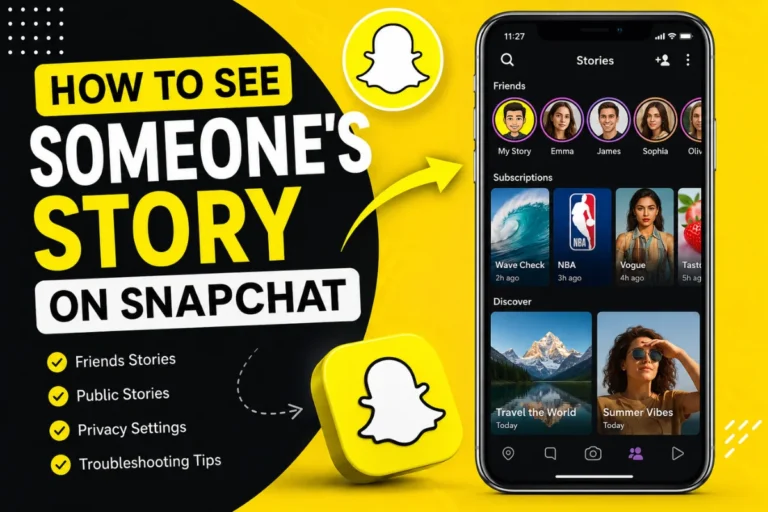
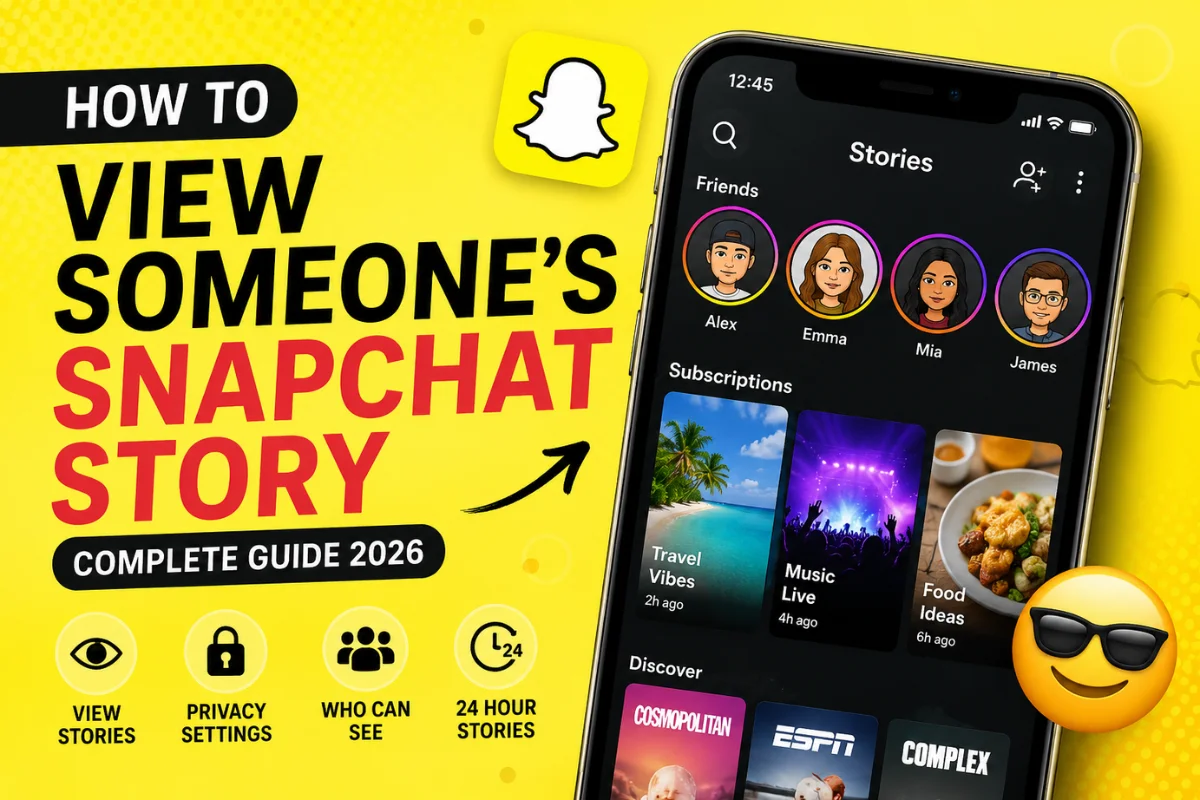
Swipe left from the Camera screen or tap the Stories or Following tab, depending on your app version.
Snapchat continues to update its interface, so the location of Stories may vary slightly.
Step 3: Find the Person
Scroll through your Story feed.
If someone has posted a new Story, you’ll usually see:
- Their Bitmoji
- Profile picture
- A colored ring around their avatar
Tap their profile to begin watching.
Step 4: Watch the Story
The Story will play automatically.
You can:
- Tap the right side to skip
- Tap the left side to go back
- Swipe down to exit
- Hold your finger on the screen to pause
Once one Story finishes, Snapchat automatically moves to the next available Story.
Who Can View a Snapchat Story?
Not everyone can see every Story.
Visibility depends on the creator’s privacy settings.
Someone may share a Story with:
- Everyone
- Friends only
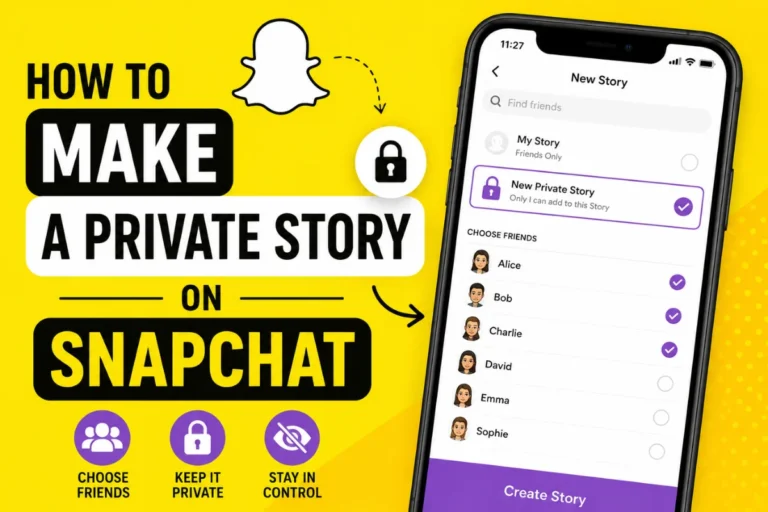
- A custom list
- Selected Snapchat Plus audiences (where available)
If you aren’t included in the audience, the Story won’t appear in your feed.
Why Can’t You See Someone’s Snapchat Story?
There are several possible reasons.
1. They Didn’t Post Anything
The most common reason is that no active Story exists.
Stories disappear automatically after 24 hours.
2. Their Privacy Settings Exclude You
Users can choose exactly who can view their Stories.
If you’re not included, Snapchat hides the Story completely.
3. You’re Not Friends
Some users only allow friends to view their Stories.
If they removed you or never accepted your friend request, you may not see any updates.
4. They Blocked You
If someone blocks you on Snapchat:
- Their Stories disappear
- Their profile becomes difficult to find
- You can’t send them Snaps
5. Network Problems
A weak internet connection can prevent Stories from loading.
Try:
- Refreshing Snapchat
- Switching between Wi-Fi and mobile data
- Restarting the app
Can You View a Snapchat Story Without Being Friends?
Sometimes, yes.
It depends on the person’s privacy settings.
If they set Story visibility to Everyone, you may be able to see their public Story even if you aren’t friends.
If their Story is limited to Friends or a Custom audience, you won’t have access.
Can Someone See That You Viewed Their Story?
Yes.
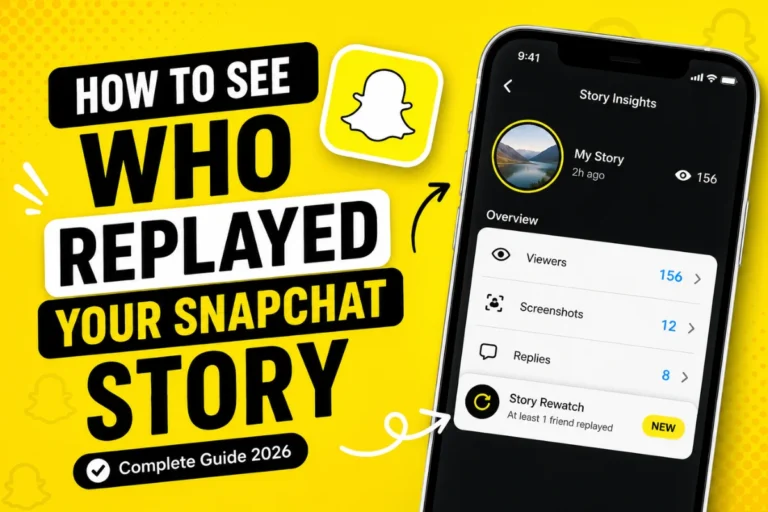
Snapchat tells Story creators exactly who viewed their Story.
The Story owner can see:
- Your username
- The order of viewers
- Total Story views
There is currently no official way to watch someone’s Story anonymously inside Snapchat.
Can You View a Snapchat Story Anonymously?
Many websites and apps claim they allow anonymous Snapchat Story viewing.
However, there are important things to know.
- Snapchat does not officially support anonymous Story viewing.
- Most third-party tools cannot access private Stories.
- Many unofficial services ask for personal information or account credentials.
- Using unauthorized apps may violate Snapchat’s terms of service and could put your account at risk.
If privacy and account security matter to you, avoid logging into unofficial Story viewer tools.
How Public Stories Work
Snapchat allows creators, influencers, brands, and public accounts to publish Public Stories.
Public Stories can often be viewed by users who are not on the creator’s friends list.
These Stories may appear in:
- Discover
- Spotlight
- Public Profiles
Availability depends on the creator’s settings and your region.
Latest Snapchat Story Updates in 2026
Snapchat continues improving the Story experience with regular updates.
Some recent improvements include:
Better Story Recommendations
Snapchat now uses improved recommendation systems to show more relevant public Stories based on your interests and interactions.
Cleaner Story Navigation
The app interface has become easier to navigate, making it simpler to switch between Stories, Spotlight, and Discover content.
Improved Privacy Controls
Users have greater control over:
- Who can see Stories
- Public Profile visibility
- Friend-only sharing
- Custom Story audiences
These privacy improvements give users more flexibility over who can view their content.
Enhanced Creator Features
Public creators now have additional tools for sharing Stories, engaging followers, and managing audience interactions.
Tips for Viewing Snapchat Stories
To enjoy the best experience:
- Keep Snapchat updated.
- Use a stable internet connection.
- Respect other users’ privacy settings.
- Avoid unofficial Story viewer apps.
- Watch Stories before they expire after 24 hours.
Common Questions
Can I watch a Story more than once?
Yes. You can replay an active Story as many times as you like before it expires.
Do Stories disappear?
Yes. Snapchat Stories automatically disappear after 24 hours unless deleted earlier.
Can I view deleted Stories?
No. Once a Story is deleted or expires, viewers cannot access it.
Why does someone’s Story disappear suddenly?
The user may have:
- Deleted it
- Changed privacy settings
- Blocked you
- Allowed the Story to expire
Final Thoughts
Viewing someone’s Snapchat Story is straightforward as long as the Story is active and you have permission to see it. Simply open Snapchat, visit the Stories section, and tap the person’s profile to watch their updates. If you can’t find a Story, it’s usually because of privacy settings, expired content, or friend status rather than a technical issue.
As of 2026, Snapchat continues refining the Story experience with improved recommendations, stronger privacy controls, and a cleaner interface. Keeping the app updated ensures you have access to the latest features while respecting users’ privacy preferences.