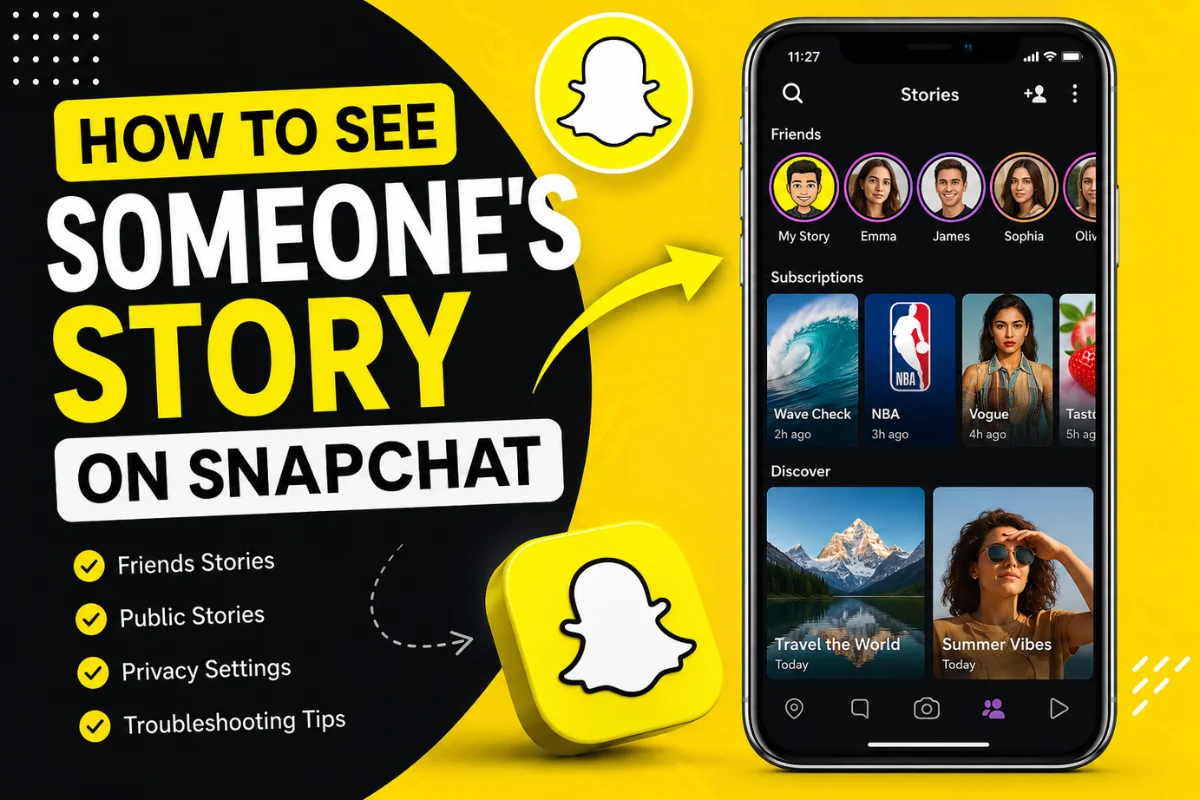
How to See Someone’s Story on Snapchat?
Have you ever opened Snapchat and wondered why you can’t find someone’s Story or how to view it correctly? You’re not alone. Many Snapchat users get confused by privacy settings, Friends Stories, Public Stories, and the Stories feed.
In this guide, you’ll learn how to see someone’s Story on Snapchat, where Stories appear, why you may not be able to view them, and what privacy settings affect Story visibility. We’ll also cover common troubleshooting tips and answer frequently asked questions based on the latest Snapchat experience in 2026.
What Is a Snapchat Story?
A Snapchat Story is a collection of photos or videos that remains visible for 24 hours before disappearing automatically. Stories let users share moments with friends or the public without sending individual Snaps.
There are different types of Stories on Snapchat:
- Friends Stories
- Public Stories
- Private Stories
- Shared Stories
The type of Story determines who can view it.
How to See Someone’s Story on Snapchat
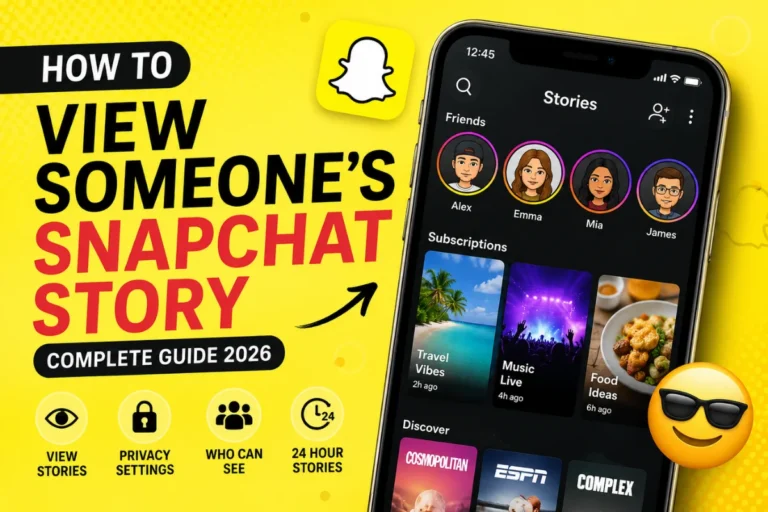
Viewing someone’s Story is simple if they have shared it with you.
Follow these steps:
- Open Snapchat.
- Tap the Stories or Following tab.
- Scroll through available Stories.
- Tap the person’s profile picture.
- Their Story will begin playing automatically.
- Swipe up or tap to move through each Snap.
If you don’t see their Story, it usually means:
- They haven’t posted one.
- Their Story expired after 24 hours.
- Their privacy settings exclude you.
- You aren’t on their friends list (for Friends Stories).
- They’ve blocked or removed you.
Method 1: View a Friend’s Story
The easiest Stories to view are from friends.
If someone has added you and shared a Story with friends:
- Open Snapchat.
- Go to the Stories page.
- Find their Bitmoji or profile picture.
- Tap to watch.
You’ll only see Stories you’re allowed to view.
Method 2: View a Public Story
Some Snapchat users have Public Profiles.
If their Story is public:
- Tap the Search icon.
- Type their username.
- Open their public profile.
- Tap their Public Story.
Public Stories can be viewed even if you’re not friends, provided the creator has enabled public viewing.
Method 3: View Stories from the Chat Screen
You can also access Stories directly from conversations.
If someone recently posted:
- Open Chat.
- Look for a blue Story ring around their profile.
- Tap the profile picture.
- Their Story will open.
This method is often the fastest for active conversations.
Method 4: Search for Their Profile
If you don’t see someone’s Story in your feed:
- Tap Search.
- Enter their username.
- Open their profile.
- Check whether a Story appears.
If no Story is visible, they may not have posted recently or you may not have permission to view it.
Can You View Someone’s Story Without Being Friends?
Yes—but only if they have:
- A Public Profile
- Public Story settings enabled
Otherwise, Snapchat only allows approved friends to see Friends Stories.
Private Stories and Friends-only Stories cannot be viewed by non-friends.
How Snapchat Story Privacy Works
Snapchat gives users several Story privacy options.
Everyone
Anyone can view the Story if it’s public.
Friends
Only accepted friends can watch.
Custom
The creator chooses exactly who can view the Story.
Private Story
Only selected users can access it.
These settings are controlled entirely by the Story owner.
Why Can’t I See Someone’s Story?
There are several possible reasons.
They Didn’t Post a Story
Many users simply haven’t uploaded anything within the last 24 hours.
Their Story Expired
Stories disappear automatically after one day.
Once expired, they cannot be viewed unless saved by the creator.
You’re Not Included
If it’s a Private Story or Custom Story, you must be selected by the creator.
They Removed You
If someone removed you from their friends list, you may lose access to Friends Stories.
They Blocked You
Blocked users cannot:
- View Stories
- Send Snaps
- Find the profile easily
Snapchat Server Issues
Occasionally Stories fail to load because of:
- App bugs
- Poor internet
- Snapchat outages
Restarting the app often fixes temporary issues.
How to Know If Someone Posted a Story
Snapchat usually shows visual indicators.
Look for:
- A blue ring around their Bitmoji
- Story notification (if enabled)
- Story section updates
- Public profile Story badge
These indicators disappear after you’ve watched the Story.
Can Someone See That You Viewed Their Story?
Yes.
Every Story owner can see:
- Who viewed it
- Total views
- Replay information (for eligible users)
Your username appears in their Story viewer list.
There is no built-in anonymous Story viewing option.
Can You View a Snapchat Story Anonymously?
Not through Snapchat itself.
Every official Story view is recorded.
Some websites claim to allow anonymous Story viewing, but they generally only work with certain public content and are often unreliable or unsafe. Avoid entering your Snapchat credentials into unofficial services.
The safest approach is to use the official Snapchat app.
How to View Public Creator Stories
Many creators, influencers, and brands post Public Stories.
To watch them:
- Open Snapchat.
- Tap Search.
- Find the creator.
- Open their Public Profile.
- Tap Story.
Following creators makes their Stories easier to find in future.
Can You Watch a Story More Than Once?
Yes.
You can replay a Story multiple times while it remains active.
Once the Story expires after 24 hours, it is no longer available unless the creator has saved it elsewhere.
Can Someone Tell If You Replay Their Story?
Generally, Snapchat records Story views, but ordinary users aren’t notified every time you replay a Story. They mainly see who viewed the Story rather than detailed replay counts.
How to Fix Snapchat Stories Not Showing
If Stories aren’t appearing, try these solutions.
Refresh Snapchat
Close the app completely and reopen it.
Check Your Internet
Switch between Wi-Fi and mobile data.
Update Snapchat
Install the latest version from your device’s app store.
Updates often fix Story loading bugs.
Clear Snapchat Cache
Go to:
Settings → Clear Cache
This won’t delete your chats or memories.
Log Out and Back In
Refreshing your account can resolve syncing problems.
Restart Your Device
A simple restart often fixes temporary app issues.
Difference Between Friends Stories and Public Stories
| Friends Stories | Public Stories |
| Only friends can watch | Anyone allowed can watch |
| Controlled by friend list | Controlled by Public Profile settings |
| Usually personal updates | Often creator or business content |
| Hidden from non-friends | Searchable through public profiles |
Knowing the difference helps explain why some Stories appear while others don’t.
Tips for Finding Someone’s Story Faster
If you regularly watch someone’s Stories:
- Add them as a friend.
- Enable Story notifications when available.
- Follow their Public Profile.
- Keep Snapchat updated.
- Check the Stories tab regularly.
These steps make it easier to catch Stories before they expire.
Common Myths About Snapchat Story Viewing
Myth: Airplane Mode Lets You Watch Anonymously
This no longer works reliably. Snapchat syncs Story views once your device reconnects.
Myth: Screenshotting a Story Hides Your View
False.
The Story owner can still see that you viewed the Story, and Snapchat may notify them if you take a screenshot.
Myth: Third-Party Apps Can Secretly Show Stories
Most unofficial apps are unsafe and violate Snapchat’s Terms of Service. They may compromise your account security.
Best Practices for Viewing Snapchat Stories
To get the best experience:
- Respect others’ privacy settings.
- Avoid third-party Story viewers.
- Keep the Snapchat app updated.
- Use the official app to watch Stories.
- Remember that Stories automatically disappear after 24 hours.
These habits ensure a secure and reliable experience.
Frequently Asked Questions
Can I see someone’s Story if they aren’t my friend?
Yes, but only if they’ve shared it publicly through a Public Profile.
Why did someone’s Story disappear?
It likely expired after 24 hours, was deleted by the user, or you no longer have permission to view it.
Can I hide that I viewed someone’s Story?
No. Snapchat records Story views, and the creator can see your username.
Why can’t I find someone’s Story even though we’re friends?
They may not have posted recently, excluded you from the audience, removed you as a friend, or there may be a temporary app issue.
Do blocked users see my Story?
No. Users you’ve blocked cannot view your Stories or interact with your account.
Conclusion
Seeing someone’s Story on Snapchat is straightforward once you understand how the platform’s privacy settings work. Friends Stories are limited to approved contacts, while Public Stories can often be viewed by anyone. If you can’t find a Story, the reason is usually related to privacy settings, an expired Story, or the person simply hasn’t posted anything recently.
For the best experience, use the latest version of Snapchat, respect users’ privacy choices, and avoid unofficial Story viewer tools that could put your account at risk.